Tips that read the same both ways.
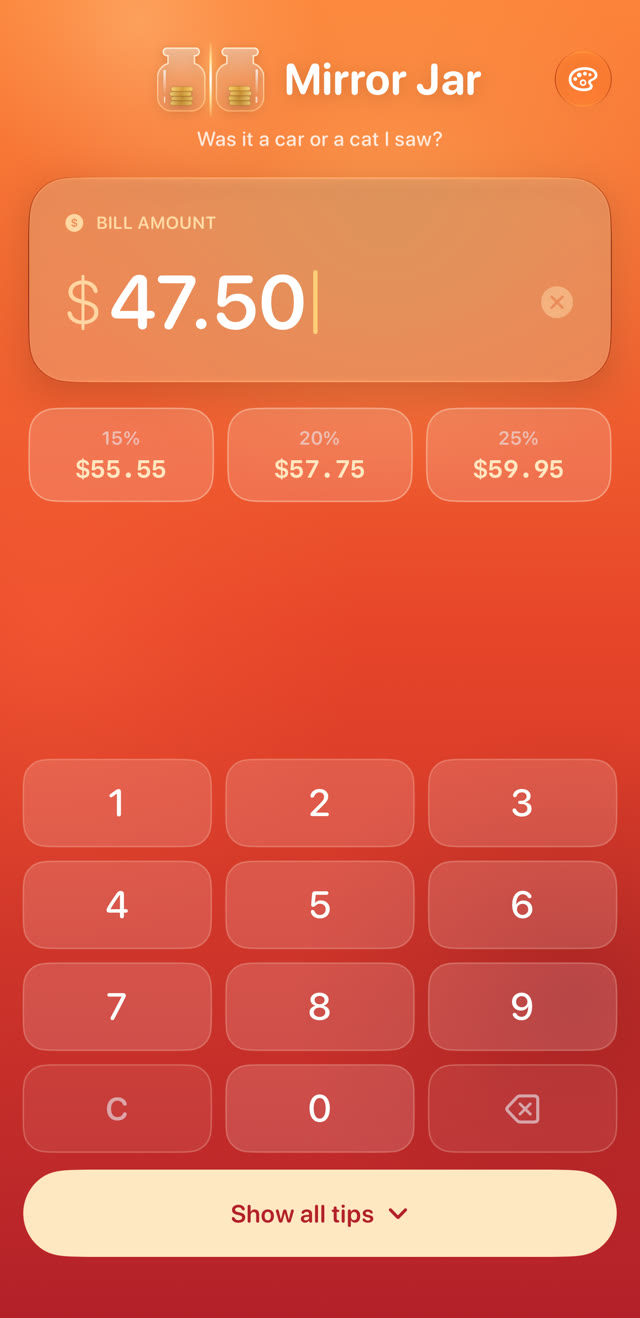
Mirror Jar rounds your tip up so the total is a palindrome — like $45.54. Easy to remember, and easy to check on your card statement. If the charge isn't a palindrome, you'll know something changed.
Every total Mirror Jar suggests is a mirror image of itself. That's the whole trick — and it's a good one.
See it in 30 seconds
Your card statement, but every restaurant reads both ways.
Three taps to a perfect tip
No sign-up, no setup. Open it at the table and you're done before the server comes back.
Type the bill
The keypad is ready the moment the app opens. Palindrome totals for 15%, 20% and 25% appear as you type.
Pick your tip
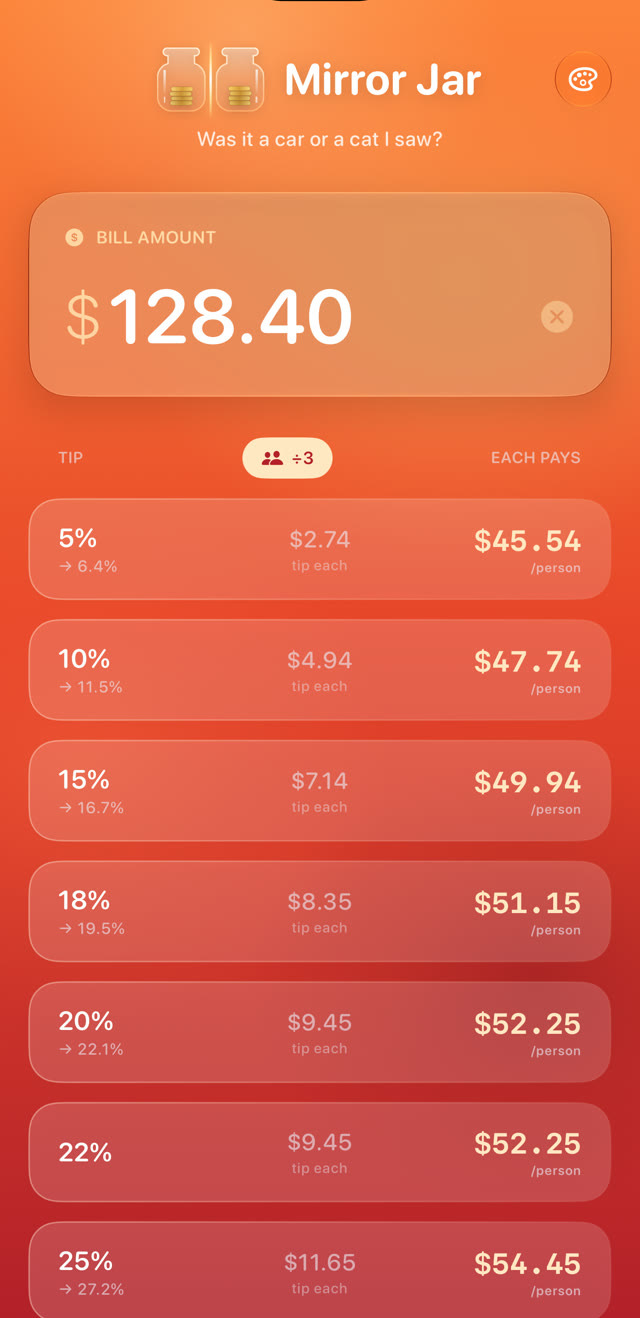
Tap a quick pick, or see all 17 options from 5% to 100% — each rounded up, with the real percentage shown.
Show the receipt
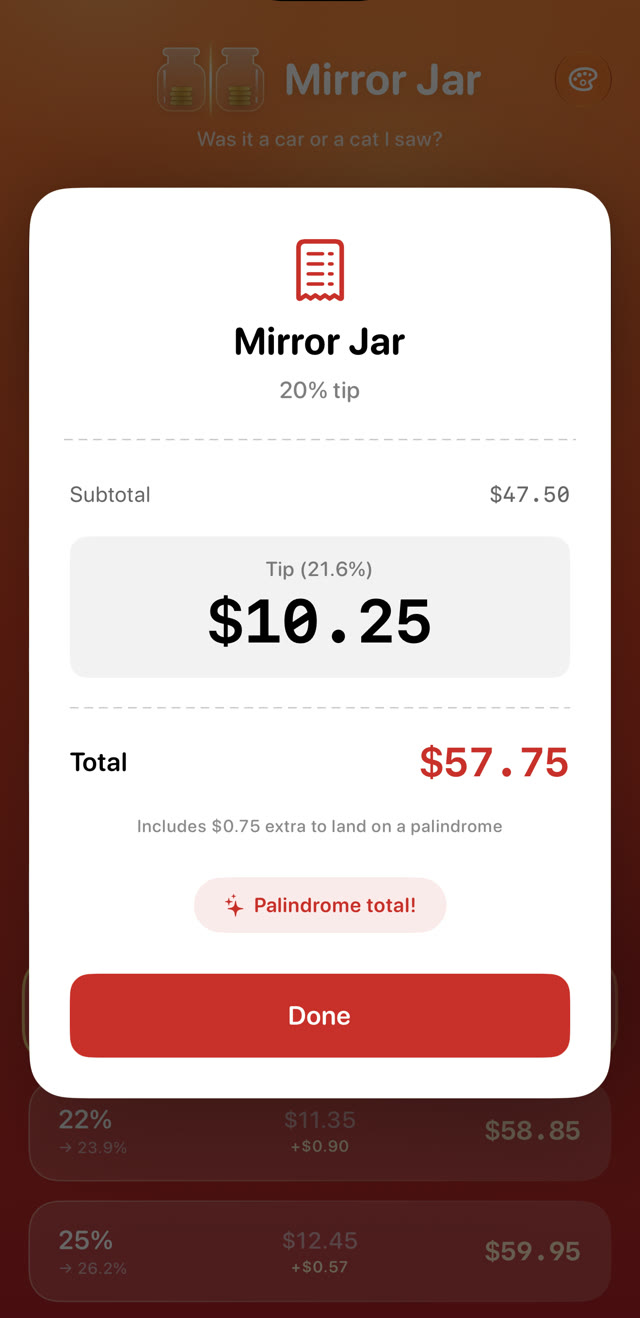
A bright receipt card shows the tip and total clearly. Split up to 6 ways and everyone pays a palindrome.
Pick your mood.
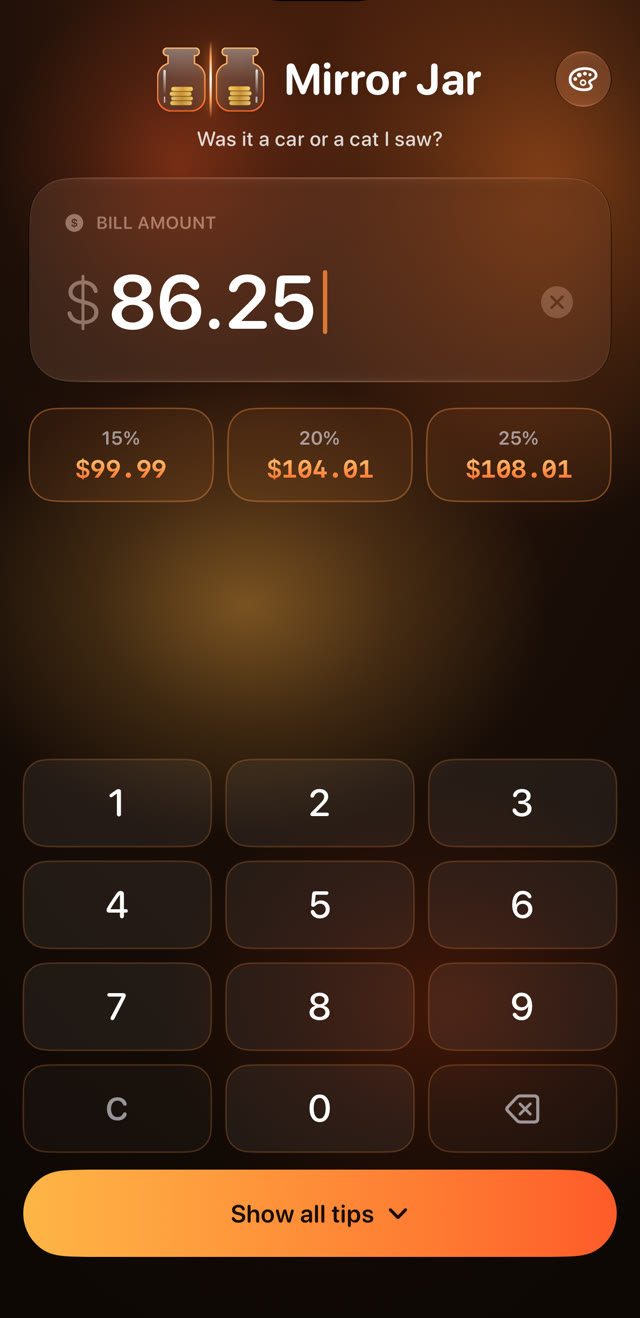
Five hand-made looks, from bold and juicy to calm and classic. Your app icon changes to match.
 Blood orangeJuicy, bold and bright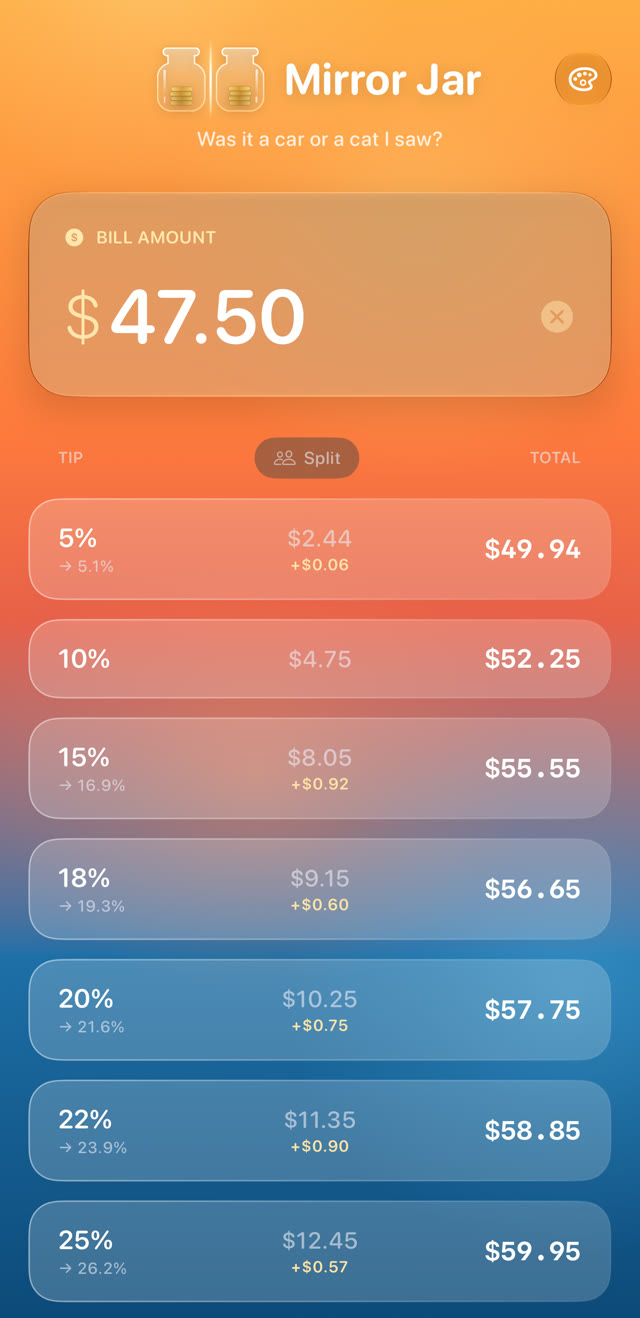
 RivieraSunset melting into the sea
 Spritz noirAfter dark, glowing amber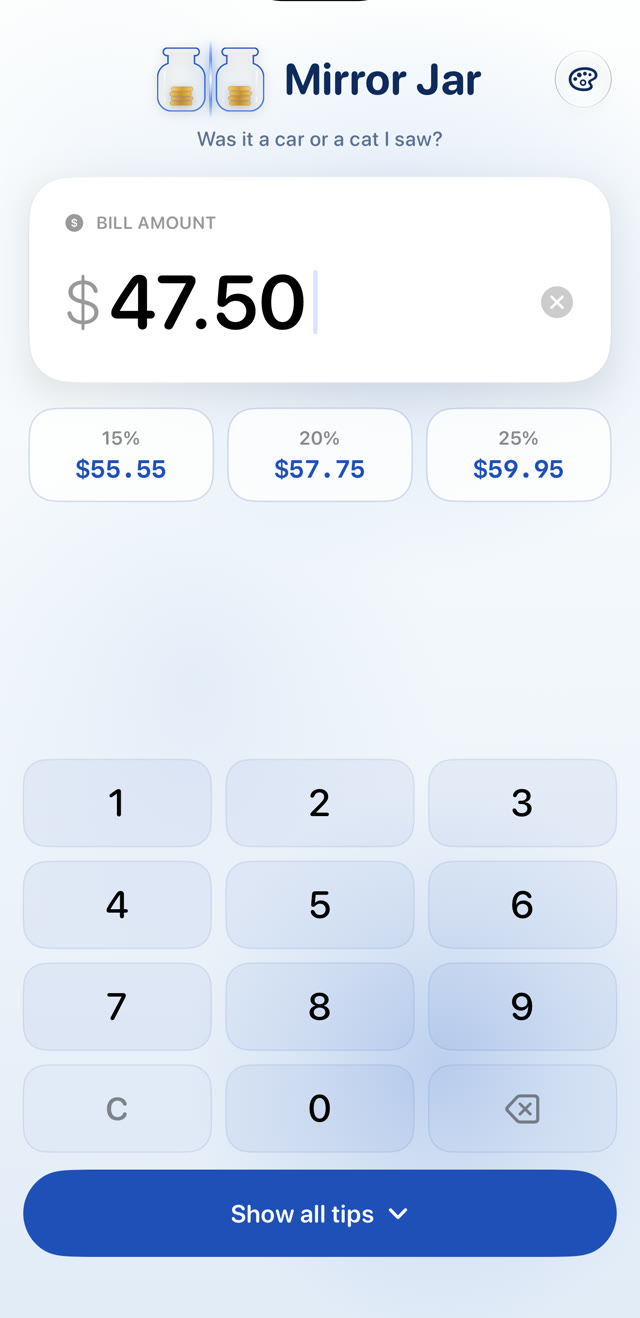
 PorcelainCobalt blue on white china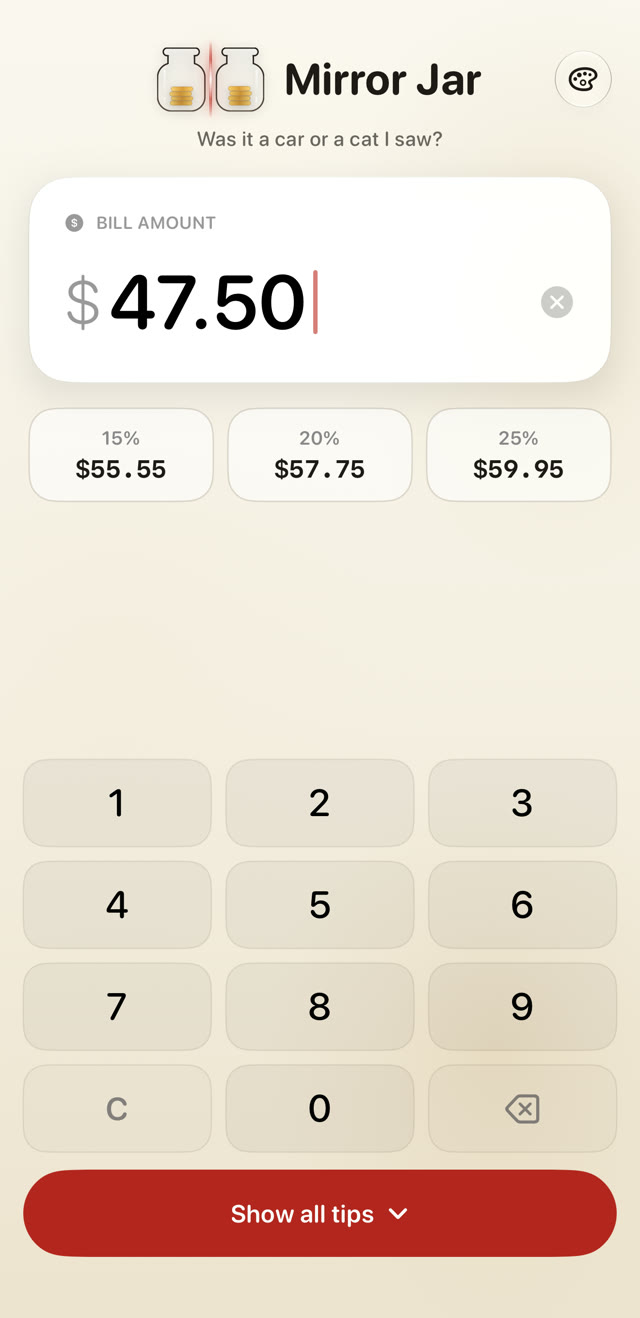
 Linen and inkReceipt paper, black ink, red stamp
Small app. Big details.
Everything you need at the table, nothing you don't.
Always rounds up
Totals never round down, so you never under-tip. The extra is usually just cents.
Honest percentages
Every option shows the real tip percentage after rounding, so you always know what you're leaving.
Split up to 6 ways
Each person's charge is a palindrome too, so everyone can check their own statement.
Receipt card
A full-brightness card with the tip and total, easy to show your server across the table.
Made for big screens
On iPad and iPhone Duo, the keypad and tips sit side by side — and open like a book.
Private by design
No account, no ads, no tracking. Nothing you type ever leaves your phone.
Opens like a book on iPhone Duo.
Unfold your iPhone Duo and Mirror Jar unfolds with it: a glowing mirror line runs down the hinge, your total flips open from its own reflection with a burst of light, and the app spreads across two pages.
Keypad on the left, every tip on the right, updating as you type. On iPad, too.
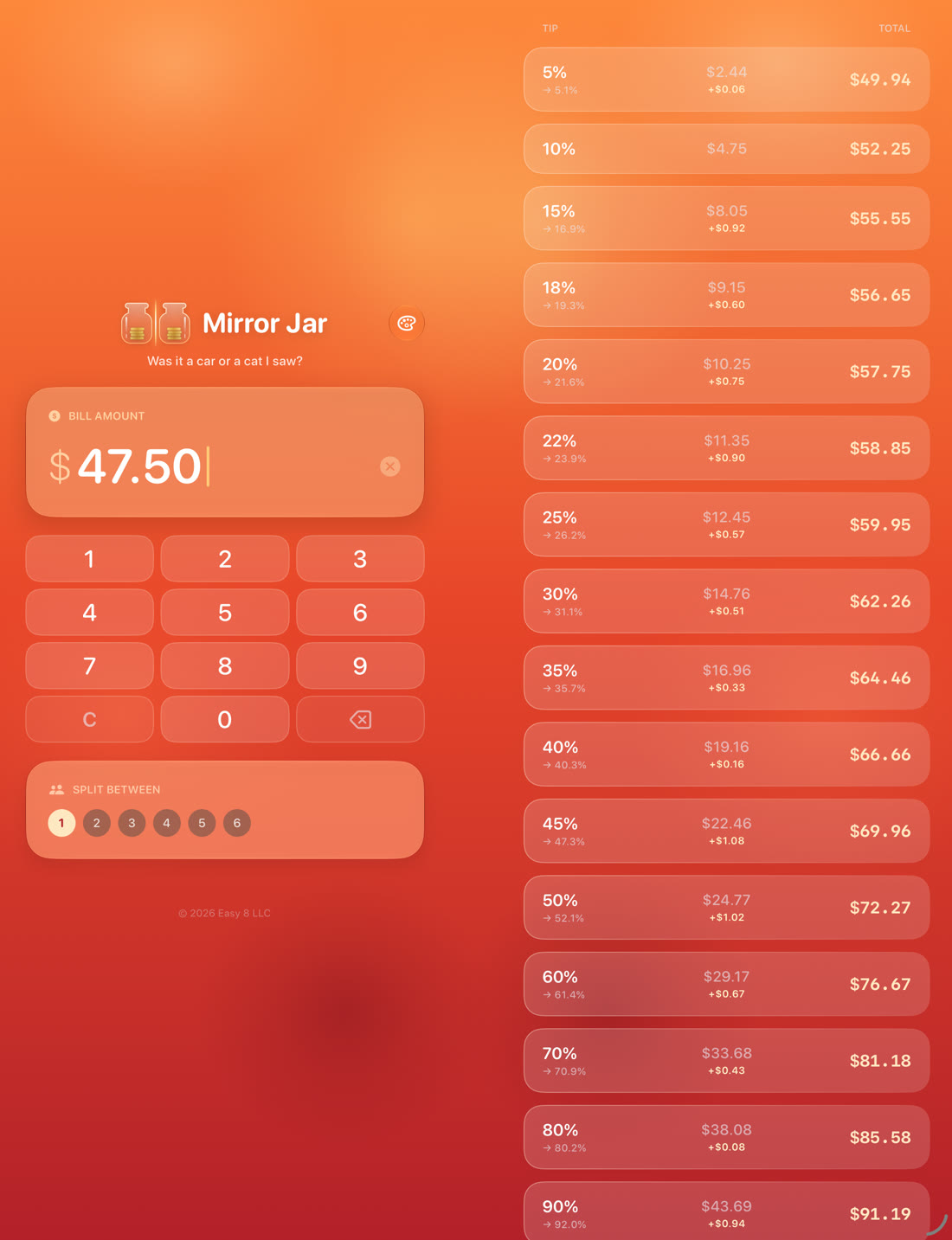
“Was it a car or a cat I saw?”A fresh palindrome greets you every time you open the app.
Questions, answered
What is a palindrome total?
A number that reads the same forwards and backwards, ignoring the dollar sign and decimal point — like $45.54, $123.21 or $99.99.
Why would I want one?
It's easy to remember, and easy to check. When your card statement arrives, a quick glance tells you whether the charge is exactly what you signed for. If it isn't a palindrome, something changed.
Why is the tip a little higher than the percentage I picked?
Mirror Jar always rounds up to the next palindrome, so you never under-tip. The difference is usually just a few cents, and the real percentage is shown next to every option.
How does splitting work?
Choose 2 to 6 people. Each person's amount is rounded up to a palindrome, and the receipt shows the share, the tip per person and the group total.
Does Mirror Jar collect my data?
No. There are no accounts, no ads and no tracking, and nothing you type leaves your device. Read the privacy policy.
Which devices and currencies are supported?
iPhone and iPad with iOS 17 or later, including iPhone Duo. Mirror Jar uses your device's currency and number format.
Is there an Android version?
Yes, coming soon to Google Play: same moods, same palindrome math, and the unfold effect on foldable phones. It works on Android 8 and later.
Can I change the colors?
Yes. Tap the palette button to pick one of five moods: Blood orange, Riviera, Spritz noir, Porcelain or Linen and ink. The whole app changes, and your home screen icon follows along.
How much does it cost?
Mirror Jar is free, with no ads and no in-app purchases.
Need help?
Questions, feedback, a bug, or a favorite palindrome to share? We read every message.
support@easy8.pro